
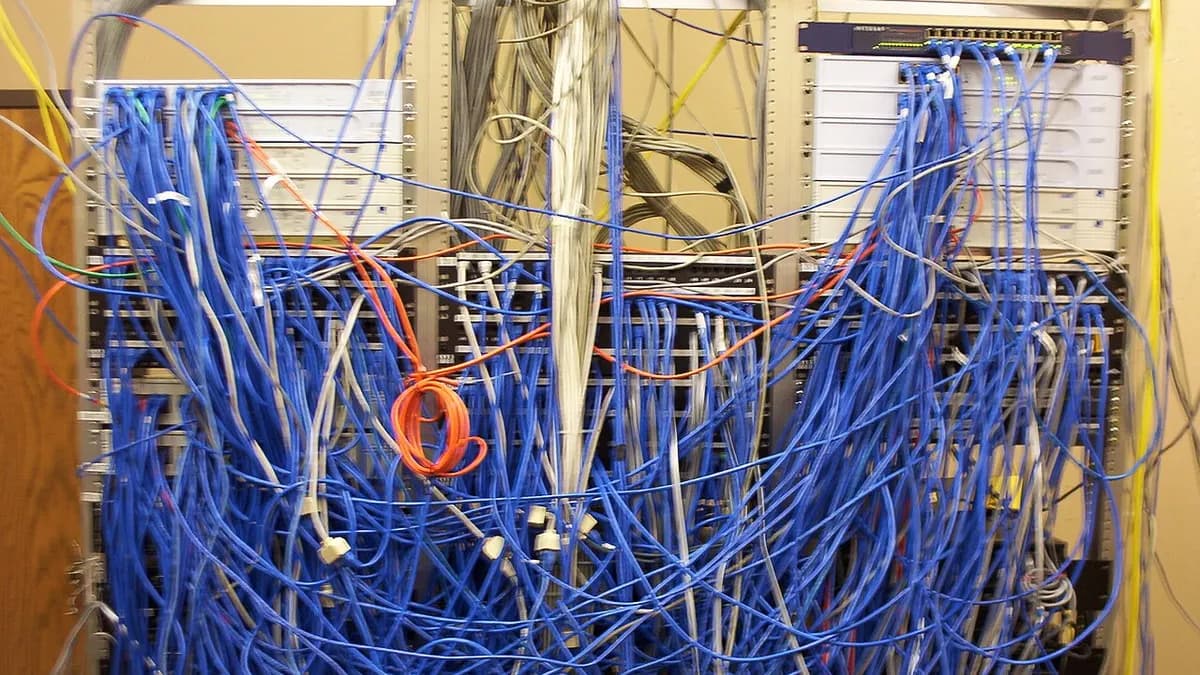
Most VICIdial problems fall into a small number of buckets, and the reason they take so long to fix is that people start looking in the application. The application is rarely at fault. The network, the database, the carrier and the operating system are, and each produces a distinctive signature once you know what to look for.
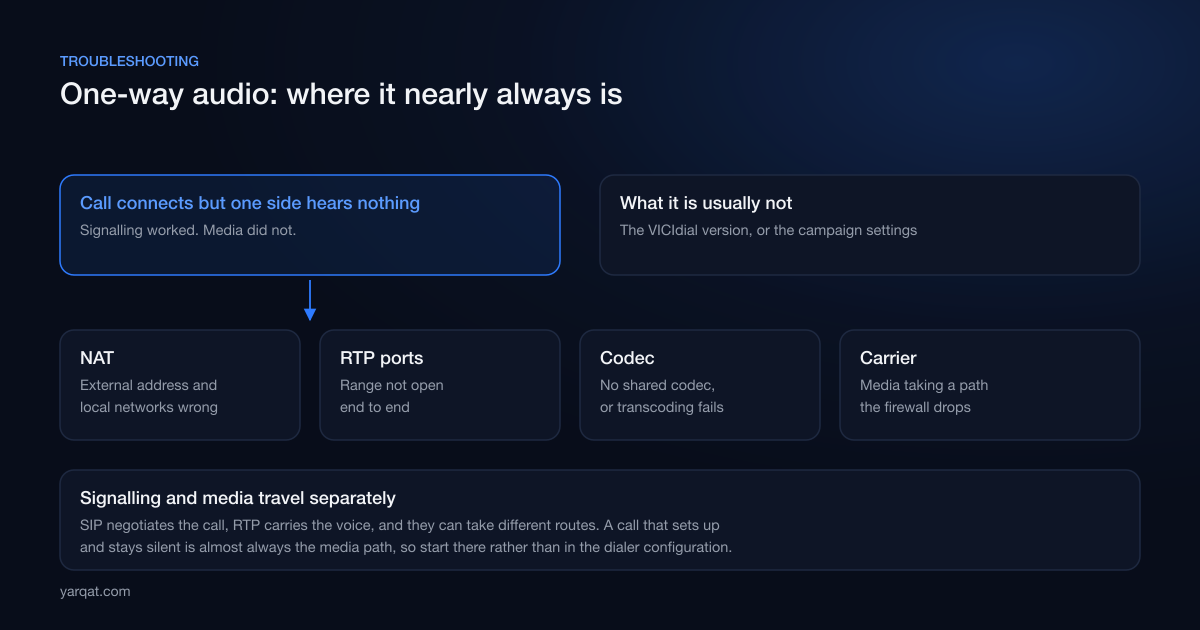
One-way audio, or no audio at all
The call connects, both parties are there, and one or both hear nothing. This is the most common complaint and the most misdiagnosed.
The key insight is that SIP and RTP travel separately. SIP negotiates the call, RTP carries the voice, and they can take different network paths. If the call set up successfully, signalling worked, so the problem is in the media path. That narrows it enormously.
The usual causes, in the order worth checking:
- NAT configuration. The server advertising an address that is not reachable from where the media is coming from. Classic when a dialer sits behind NAT and the external address or local network list is wrong or has changed.
- RTP port range not open. Signalling on the SIP port works, media on the RTP range does not, because a firewall somewhere in the path only had the SIP port opened.
- Codec mismatch. No shared codec, or transcoding that is failing or overloaded.
- Carrier media path. Media arriving from an address range that your firewall is not expecting, which looks identical from your side to a NAT problem.
What it is almost never: the VICIdial version, or a campaign setting.
Choppy or robotic audio
Different symptom, different cause. Audio arriving but degraded is nearly always jitter or packet loss, not bandwidth. A link with plenty of spare capacity but inconsistent delivery sounds worse than a slower, steadier one.
Worth checking in this order: whether the problem correlates with concurrent call volume, whether it correlates with time of day, and whether CPU on the dialer spikes at the same moment. Correlation with concurrency points at the network path or the trunk. Correlation with CPU points at transcoding. Correlation with neither, appearing at random, points at the network between you and the carrier, or at shared hosting where you are competing with someone else's workload.
Calls not connecting at all
When calls fail before audio is even a question, the cause is usually one of four things: the carrier rejecting them, the caller ID being rejected downstream, a route or dial plan problem, or hitting a concurrency limit you did not know you had.
The last one is worth dwelling on, because it presents intermittently and therefore looks like a system fault. Trunks have channel limits whether or not the contract states them clearly. If failures start at a consistent number of simultaneous calls, that is not a coincidence, and the conversation is with the carrier rather than the server.
Working through this on a real project?
Tell us what you are building or fixing. A senior engineer will give you a straight view of it, including when the honest answer is that you do not need us.
Agent screens slow, timing out or logging out
This is almost always the database, and it is almost always load rather than a bug. The signature is that it gets worse as the shift gets busier and better when it quietens, which is the opposite of how a configuration fault behaves.
Before assuming a rebuild is needed, check whether the database has its own machine, whether it has ever been tuned beyond defaults, whether storage is fast, and whether tables have grown large enough to matter. Installs that run for a year or two accumulate call log data and slow down gradually, which teams experience as "it used to be fine" without ever identifying a change. There was no change. It grew. Sizing is covered in VICIdial server requirements.
Recordings missing
Three usual causes, in descending order of frequency: the disk filled and recording stopped silently, the archive job that moves recordings off the dialer broke and nobody noticed, or recording was not actually enabled for the campaign or in-group in question despite everyone believing it was.
All three are prevented by the same thing: monitoring that alerts on free disk space and on the archive job failing, plus an occasional spot check that a recording made yesterday can actually be played back today. The moment you discover a recording is missing is usually the moment you most need it.
Reports that do not agree
When two reports give different numbers for what looks like the same thing, the cause is usually definitional rather than technical: different time boundaries, different treatment of transferred or requeued calls, different handling of calls spanning midnight, or clocks that disagree between servers in a cluster.
Time synchronisation across every machine is trivial to set up and genuinely painful to debug after the fact, so it belongs in the build rather than the backlog.
The diagnostic order that saves time
- Establish whether it is signalling or media. Did the call set up? If yes, stop looking at the dialer and look at the media path.
- Establish whether it correlates with load. Load correlation means capacity or tuning. No correlation means configuration or network.
- Establish whether it is one dialer or all of them. In a cluster this is the fastest way to separate a machine-specific problem from a shared one, and it usually points straight at configuration drift.
- Check what changed. Not just your changes. Carrier routing, network configuration and operating system updates all change without anyone telling you.
- Only then look at VICIdial itself. By this point you usually do not need to.
The pattern behind all of it
VICIdial problems are usually infrastructure problems wearing a telephony costume. Teams lose days inside the administration interface adjusting settings, when the answer was a firewall rule, an untuned database or a trunk limit. Diagnosing from the outside in, rather than the application out, is the single habit that most shortens these investigations.
We are frequently called in on installs that have been unstable for months, and the cause is usually in this article. If that is where you are, book a free consultation or see how we approach call centre setup and rescue work.